
Preduck dips the mix just before every snare, so the transient cracks through.
Free- Version 1.1.2
- macOS 11+, Apple Silicon and Intel
- Windows 10 and 11, 64-bit
- No key, no account
Free download. VST3 on Windows and Mac, AU on Mac. Your email gets the download, no account needed.
A drum loop, first with Preduck off, then on: the mix dips just before each snare and is back as it lands.
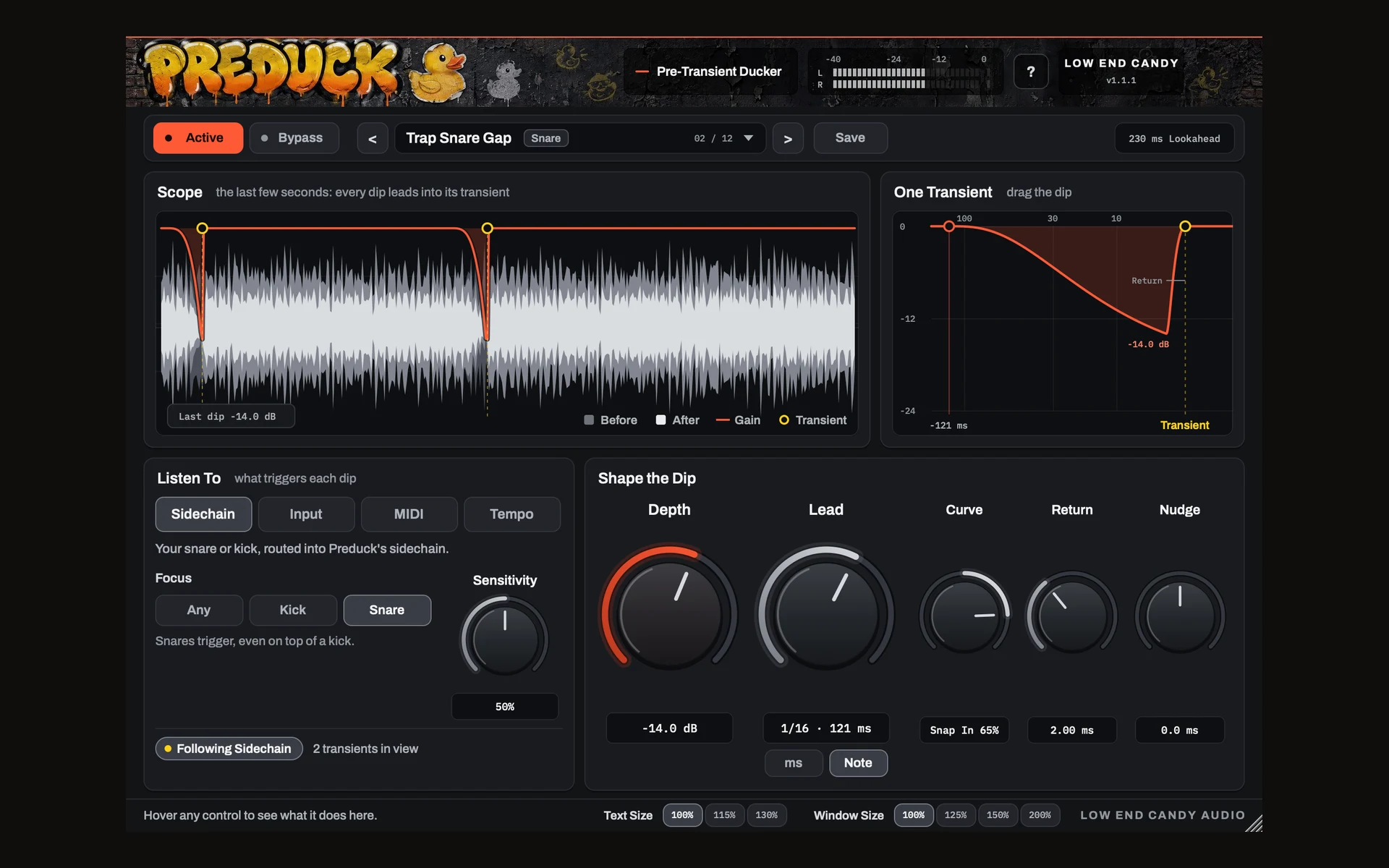
The little volume dip producers draw before a snare, done for you on every transient, and back at full level exactly as it lands.
Listen
Follows your snare or kick on a sidechain, the transients in its own track, MIDI notes, or your DAW's beat grid with no routing at all.
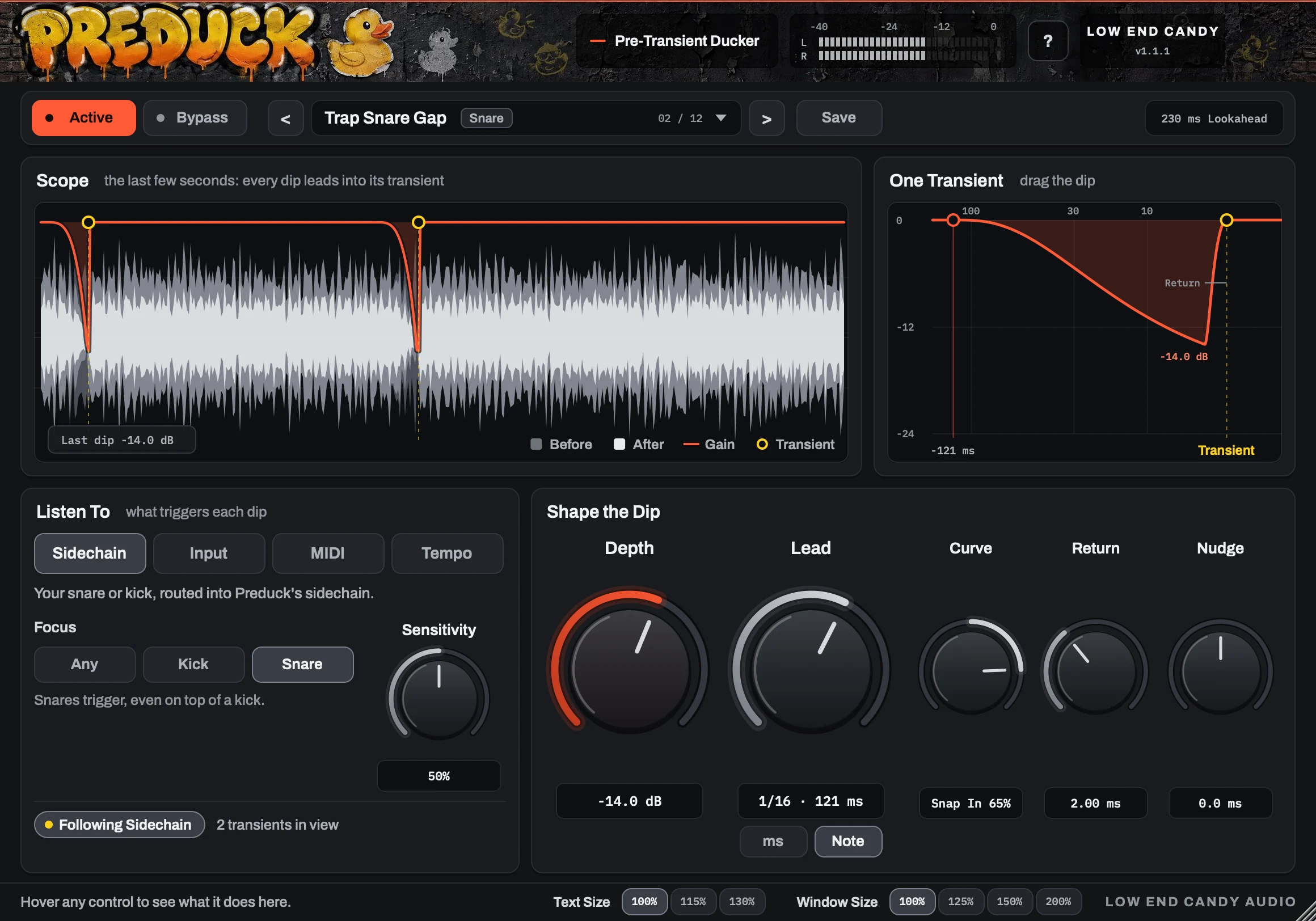
Shape
Depth, Lead, Curve, Return and Nudge set how far it dips, how early it starts, and how it falls into the transient.
See
A scope shows the audio before and after, the gain line, and a marker on every transient, so you watch each dip lead in.
See it in a mix.
Snare not cutting through? Watch Preduck dip the mix right before it.
From the makers of
Preverb and Slingshot.
Preduck clears the space before the transient. Preverb and Slingshot fill it: a reversed swell, or reversed echoes, that rise into the same transient.
Preverb
Real-time reverse reverb that swells into the transient. Hear it →
Slingshot
Reverse delay: reversed echoes that stack into the transient. Hear it →
Made by producer Beau McLeod (Bohemyth) in Carlsbad, California. Questions go straight to support@lowendcandy.com.
Low End Candy in the press: Sound On Sound, Mix, Sonicstate, Isotonik Studios, Gearspace, KVR Audio. 1,750+ producers use Low End Candy plugins.
Free, for real
Preduck
Free plugin
- The full plugin, free
- VST3 on Windows and Mac, AU on Mac
- Instant download after your email
- No account needed
Your email gets the download. No card, no account.
Main features
What it does
- Dips the audio just before each snare or kick transient.
- Back at 0 dB exactly on the transient: at the default Nudge of 0, the transient itself isn't turned down.
- Two close transients never duck each other.
Listens to
- Sidechain: your snare or kick routed in.
- Input: a drum bus or the whole mix.
- MIDI: any note-on.
- Tempo: beats 2 and 4, every beat, beat 3 or beat 1.
Controls
- Depth 0 to -24 dB
- Lead 5 to 200 ms, or 1/64 to 1/8 synced
- Curve, Return, Nudge
- Focus and Sensitivity
- Save your own presets
Questions,answered.
Preduck
Is it really free?
Yes. Enter your email and the download is yours. No card, no account.
Why does it add latency?
To duck before a transient it has to see it coming, so it looks 230 ms ahead. Your DAW compensates automatically; just don't record through it.
Where do I put it?
On whatever should make room for the snare: the music bus, pads, vocals, a reverb return, or the whole mix.
Which formats?
VST3 on Windows and Mac, AU on Mac. The Mac download also has Preduck MIDI, an AU for triggering it from MIDI in Logic.
Isn't this just sidechain compression?
A sidechain compressor reacts after the snare has started, so its dip lands on the snare and hangs on after it. Preduck sees the snare coming, dips the mix before it, and is back at full level exactly as it lands.
Does it work in Logic?
Yes, checked by hand in Logic. Since version 1.1.1 Preduck is in Audio FX > Audio Units > Low End Candy on any audio track or bus. To trigger it from MIDI notes, load Preduck MIDI (also in the download) in a software instrument track's Instrument slot, under AU MIDI-controlled Effects > Low End Candy, and play your snare's notes on that track. On a bus or aux, set Settings > Audio > General > Plug-in Latency Compensation to All.