
Randomonium moves up to 8 Ableton Live controls on its own, in time with your track.
$9.99One-time, lifetime updates, 14-day money-back guarantee. Max for Live device: needs Ableton Live 12 (Suite, or Standard with Max for Live). Verified on macOS. About 240 KB.
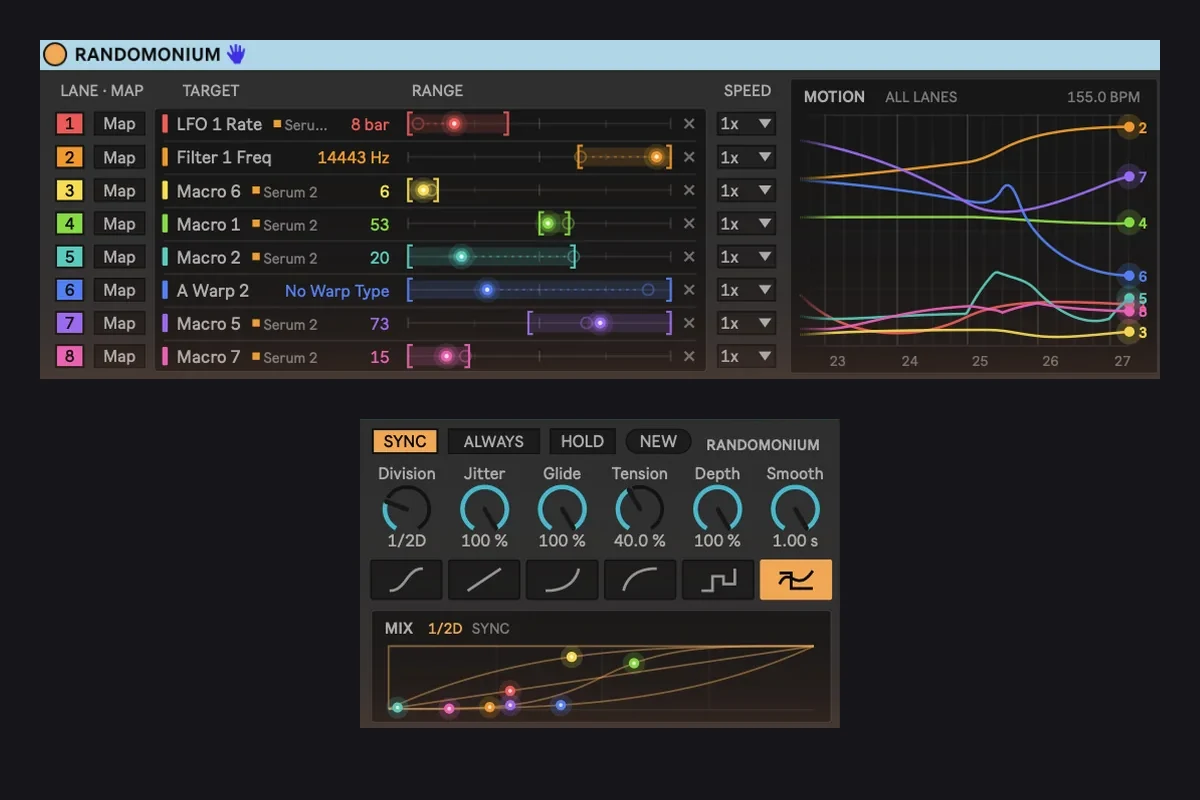
Map it, set a range, and it keeps moving without writing a single automation point.
Map
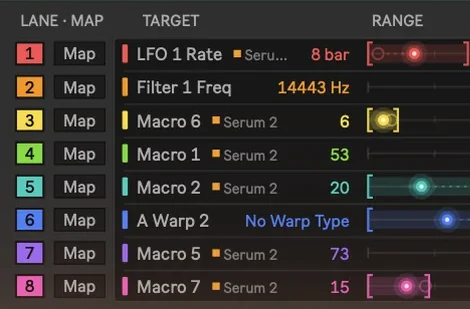
Click Map, then click any knob, Macro or mixer control in Live. Up to 8 lanes, each with its own range and speed.
Watch
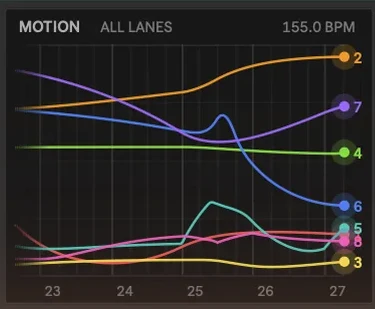
The Motion display scrolls every lane on a beat grid in real time, so you see where things are headed, not just hear it.
Shape
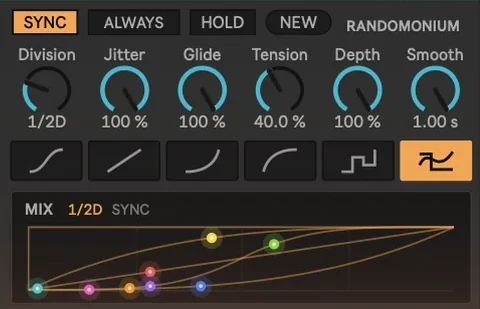
SYNC locks moves to your tempo, from 8 bars to 1/32 with dotted and triplet. FREE runs in Hertz.
See it move
Tap the screenshot to zoom in.The device running: eight lanes, each on its own range and speed.
Yours forever
Randomonium
8-lane randomizer for Ableton Live 12
- 8 lanes, any mappable control
- Synced or free-running
- Live Motion display
- Lifetime updates
Brand new, this is v1.0. Tell me what's missing or what feels off: support@lowendcandy.com
Main features
Lanes
- Up to 8 lanes
- Map any control you can click in Live
- Range and speed per lane
- Turn a lane off to get the control back
Timing
- SYNC: 8 bars to 1/32, dotted and triplet
- FREE: rate in Hertz
- Jitter, Glide, Tension, Depth
- Six shapes: Smooth, Linear, Ease In, Ease Out, Step, Mix
In Live
- Matches your Live theme colours
- Mapped controls grey out like a Macro mapping
- No automation written, no undo-history spam
Questions,answered.
Randomonium
Does it write automation?
No. A mapped control greys out the way a Macro mapping does. Nothing is written to your automation and your undo history stays clean.
Can two lanes move the same control?
No. Mapping a control to a new lane moves it off the old one.
What if I don't like it?
You're covered by the 14-day money-back guarantee. Email support@lowendcandy.com.
Compatibility
Does it work in Live 11?
No. The mapping tool it uses only exists in Live 12. You need Live 12 Suite, or Live 12 Standard with the Max for Live add-on.
Does it work on Windows?
It's pure Max and JavaScript with no compiled code, so it should run the same on Windows, but it hasn't been tested on real Windows hardware yet. It's verified on macOS.
Return policy
14 days
Full refund on any paid plugin within 14 days. Email support@lowendcandy.com, no questions, no hoops.
Read more